Amazon Kindle Colorsoft vs Kobo Libra Colour: Which 7-Inch Color E-Reader Wins?
Amazon Kindle Colorsoft Signature Edition vs Kobo Libra Colour
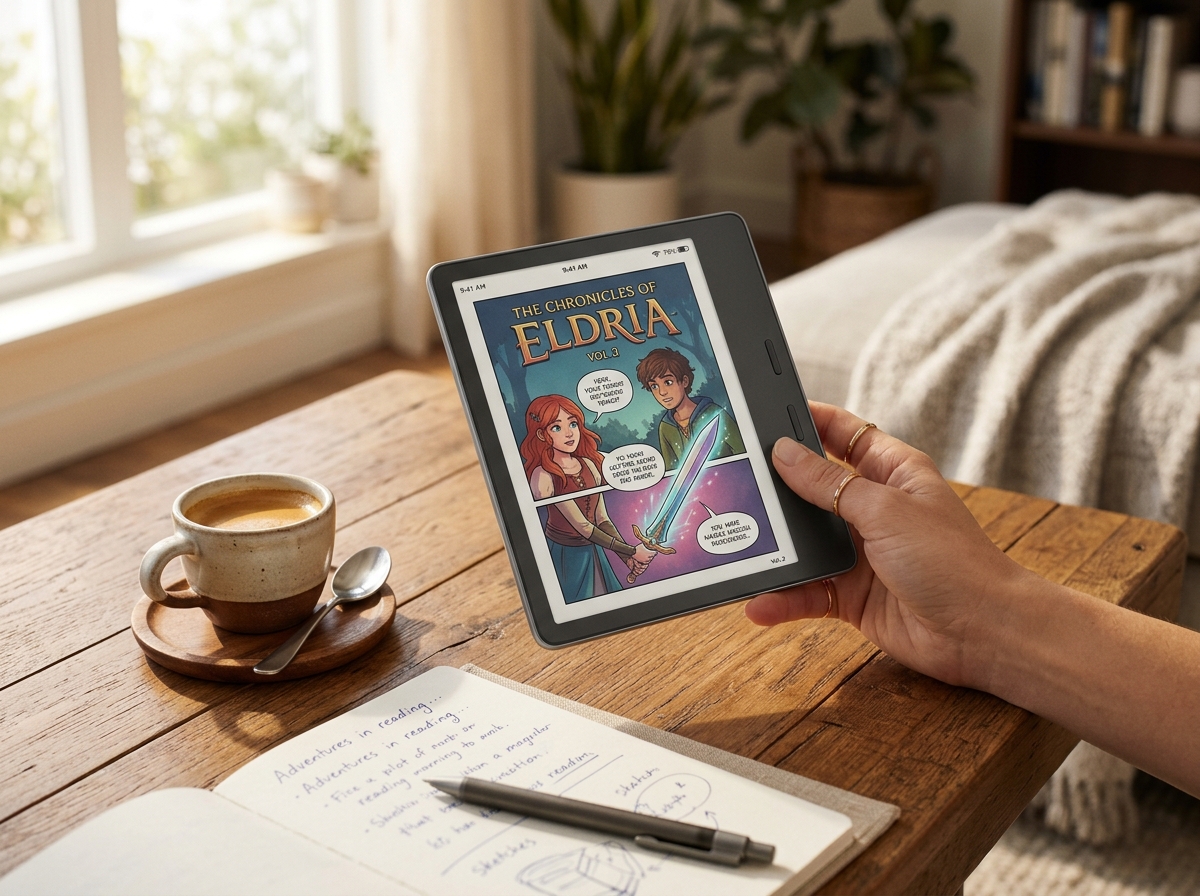
Amazon Kindle Colorsoft Signature Edition
- ✓ Custom-engineered oxide backplane and nitride LED frontlight for vivid colors
- ✓ Seamless integration with Kindle Unlimited, Whispersync, and Goodreads
- ✓ Convenient Qi wireless charging and automatic frontlight dimming included
Kobo Libra Colour
- ✓ Ergonomic curved grip with tactile dual physical page-turn buttons
- ✓ Full Kobo Stylus 2 active pen handwriting, margin notes, and notebooks
- ✓ Direct OverDrive / Libby public library borrowing right on device
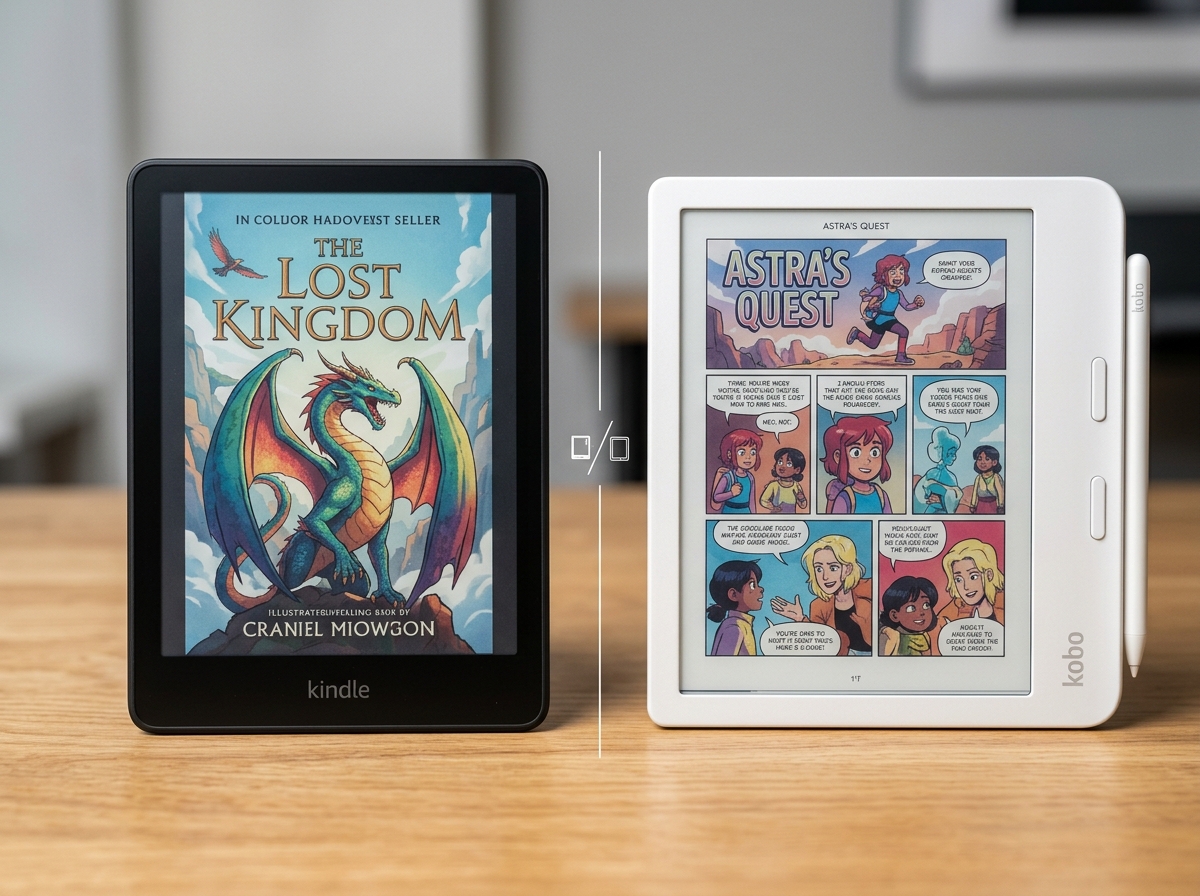
While the Kindle Colorsoft offers unmatched Amazon bookstore convenience and wireless charging, the Kobo Libra Colour takes the crown thanks to tactile physical page-turn buttons, full active stylus notebook markup, native library borrowing via OverDrive, and a $20 lower price point.
Side-by-Side Technical Comparison
Direct spec-for-spec breakdown
| Feature | Amazon Kindle Colorsoft Signature Edition | Kobo Libra Colour |
|---|---|---|
| Color Display Tech | 7.0" Amazon Colorsoft Optical Stack (300 PPI B&W / 150 PPI Color) | 7.0" E Ink Kaleido 3 (300 PPI B&W / 150 PPI Color) |
| Page-Turn Controls | Touchscreen swiping & tapping only | WINNER Asymmetric ergonomic grip with dual physical clicky buttons |
| Stylus & Note-Taking | No stylus support (Text highlights & typed notes only) | WINNER Full Kobo Stylus 2 support (Handwritten margin notes & notebooks) |
| Bookstore & Library Access | Amazon Kindle Store, Kindle Unlimited, Prime Reading | Kobo Store, native OverDrive/Libby borrowing, Dropbox, Google Drive |
| File Format Freedom | Amazon proprietary (KFX, AZW3, Send-to-Kindle EPUB conversion) | WINNER Direct open formats (EPUB, PDF, MOBI, CBZ, CBR, TXT, HTML) |
| Charging Options | WINNER USB-C wired fast charging + Qi wireless charging | USB-C wired charging only |
| Price | $279.99 (Signature Edition) | WINNER $259.99 (Stand-alone unit) |
For years, digital reading enthusiasts faced an agonizing dilemma: stick with black-and-white E Ink for weeks of battery life and outdoor sunlight clarity, or switch to an iPad or Android tablet to enjoy book covers, graphic novels, and textbooks in full color.
In 2026, the color E Ink revolution is finally here in full force. The two dominant heavyweights battling for digital reading supremacy are the Amazon Kindle Colorsoft Signature Edition ($279.99) and the Kobo Libra Colour ($259.99). Both feature 7-inch color screens, IPX8 waterproofing, and weeks of battery life—yet their design philosophies cater to very different reader archetypes.
We spent weeks comparing both readers side-by-side to determine which device truly deserves your hard-earned money.
1. Screen Quality & Color Vibrancy
Both devices deliver 300 PPI for black-and-white typography and 150 PPI for color content, but their optical engineering differs:
- Amazon Kindle Colorsoft: Features a custom-engineered oxide backplane paired with nitride LEDs. Amazon tuned the light guides to maximize saturation for book jackets and comic book illustrations, giving colors a punchier, warmer glow.
- Kobo Libra Colour: Uses standard E Ink Kaleido 3 technology. While slightly more muted than the Colorsoft out of the box, Kobo provides extensive in-software contrast, saturation, and ComfortLight PRO warmth sliders that let readers customize tone curves to perfection.
Winner: Tie. The Kindle Colorsoft has slightly higher native contrast, while Kobo offers more granular software calibration.
2. Ergonomics & Physical Page-Turn Buttons
Long reading sessions highlight a massive hardware divergence between the two contenders:
- Kindle Colorsoft: Symmetrical modern tablet slate. While comfortable and light (7.7 oz), you must repeatedly swipe or tap the screen with your thumb to turn pages, inevitably leaving fingerprint smudges across the color screen.
- Kobo Libra Colour: Features an asymmetrical curved spine that rests naturally in the palm of your hand. Integrated into the side bezel are two tactile, clicky physical buttons. You can flip through an entire 800-page fantasy novel one-handed without lifting your thumb or touching the screen.
Winner: Kobo Libra Colour. For pure ergonomic bliss and smudge-free one-handed reading, physical buttons remain unbeatable.
3. Stylus Support & Marginalia
If you read non-fiction, study textbooks, or journal while reading, this round is decisive:
- Kindle Colorsoft: Completely lacks stylus digitizer hardware. You can only highlight passages with your fingertip and tap on-screen virtual keyboard keys to type digital sticky notes.
- Kobo Libra Colour: Fully supports the Kobo Stylus 2. You can write handwritten marginalia directly on book pages, underline phrases with tactile precision, and open blank notebook templates for sketching, mind mapping, and task tracking.
Winner: Kobo Libra Colour. The ability to annotate directly inside books transforms the device into a genuine digital notebook.
4. Ecosystem: Amazon Walls vs Open Library Borrowing
- Amazon Kindle Colorsoft: Unmatched bookstore depth. If you are an active subscriber to Kindle Unlimited or Prime Reading, Amazon offers instant one-click downloads and effortless Whispersync audio synchronization with Audible.
- Kobo Libra Colour: The king of open reading. Native OverDrive / Libby integration allows you to browse and borrow eBooks directly from your local public library without ever touching a PC. Furthermore, direct drag-and-drop support for EPUB, CBZ/CBR manga files, and cloud sync via Dropbox and Google Drive provides unmatched freedom.
Winner: Tie (Amazon for proprietary volume; Kobo for library borrowing and format freedom).
Final Verdict: Which One Should You Buy?
🏆 Buy Kindle Colorsoft if:
- • You already have an extensive library of Amazon Kindle eBooks and Audible titles.
- • You want Qi wireless charging and zero lockscreen ads out of the box.
- • You value slightly punchier out-of-the-box color saturation for graphic novels.
- • You prefer a sleek, symmetrical tablet-style design.
👑 Buy Kobo Libra Colour if:
- • You demand tactile physical page-turn buttons for effortless one-handed reading.
- • You want to write handwritten margin notes and sketches with an active stylus.
- • You frequently borrow free eBooks from public libraries via OverDrive / Libby.
- • You want open sideloading freedom (EPUB, CBZ, PDF, Dropbox) and save $20.
SpecOfTheDevil is a participant in the Amazon Services LLC Associates Program. Clicking links may earn an affiliate commission at no extra cost to you.