Logitech MX Keys S Review: The Undisputed King of Low-Profile Office and Coding Keyboards?
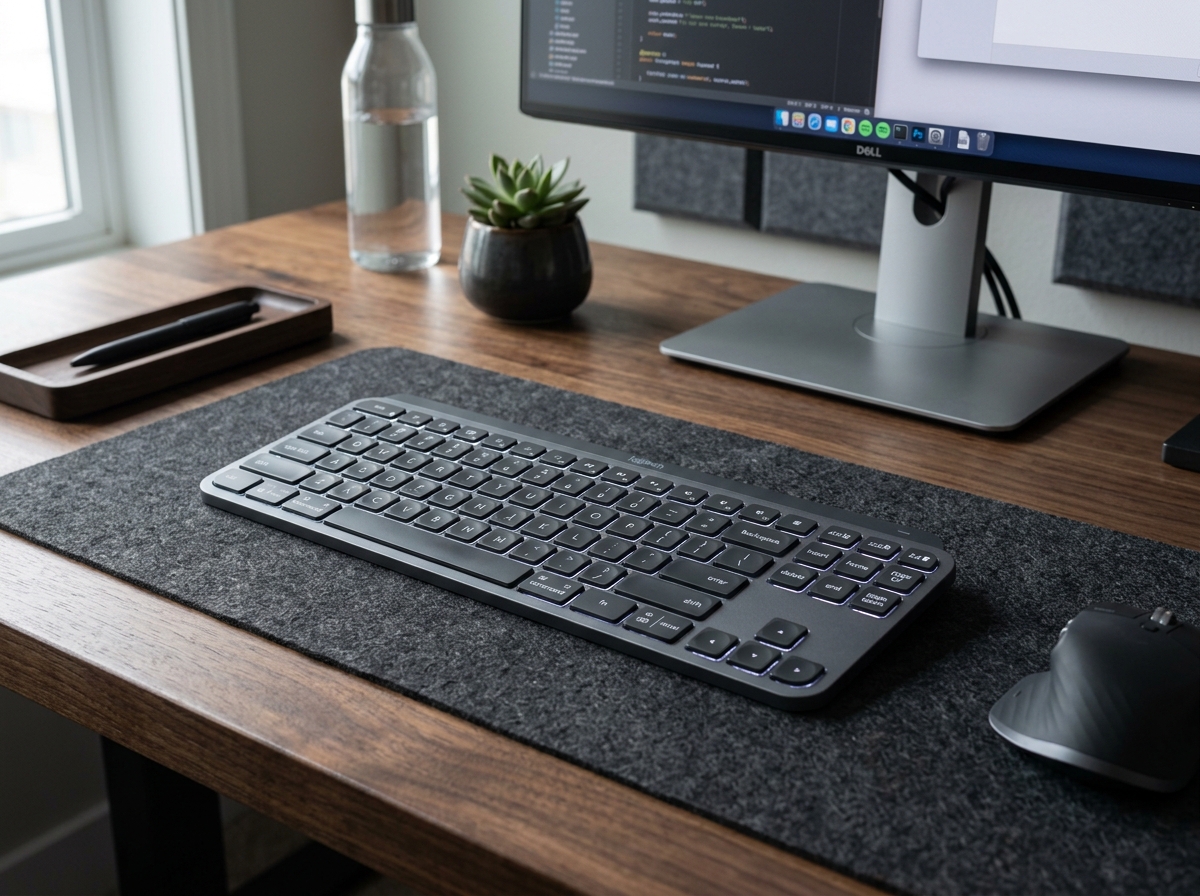
* Product image is a representative illustration for editorial identification. Official imagery is subject to manufacturer copyright.
Logitech MX Keys S Wireless Keyboard
"With spherically dished keycaps, silent scissor switches, and seamless 3-device switching, the Logitech MX Keys S remains the definitive benchmark for comfortable all-day desk productivity."
The Good (Pros)
- Spherically dished keycaps guide fingertips naturally to minimize typos during marathon typing sessions
- Smart proximity backlighting lights up as soon as hands approach and dims automatically to preserve battery
- Instant 1-second switching across up to 3 paired computers, laptops, or tablets via Easy-Switch keys
- Substantial aluminum base plate prevents desk flexing and delivers whisper-quiet tactile strokes
The Bad (Cons)
- Low-profile design has a fixed gentle incline angle without adjustable flip-out feet
- Battery life drops noticeably from months to roughly 10 days when backlighting is kept on continuously
Typing on mushy laptop keyboards or clattery mechanical boards during eight-hour workdays often results in finger fatigue, annoying typos, and frustrated coworkers on Zoom calls. Professionals and coders who juggle multiple computers constantly struggle with messy desk cables and awkward keyboard transitions that break deep workflow momentum.
The Logitech MX Keys S ($110.49) directly solves these daily office headaches. Built on a rigid single-metal plate with concave keycaps shaped to fit fingertips, this low-profile wireless board delivers whisper-quiet acoustic feedback, automated smart backlighting, and fluid multi-device switching across Windows, macOS, and Linux.
1. What It Does Best (Key Strengths)
- Effortless Fingertip Centering: Each key features a circular concave indent (spherically dished keys that mirror the natural curvature of your fingertips). This tactile design centers your strikes naturally, reducing mis-hits and fingertip strain during extensive documentation or coding sprints.
- Whisper-Quiet Scissor Tactility: The responsive scissor-switch mechanism offers a crisp, satisfying tactile bump while dampening harsh keystroke noise. You can type furiously during live conference calls without muting your microphone.
- Fluid Multi-Device Pairing & Flow: Dedicated Easy-Switch keys let you bounce seamlessly between a work desktop, personal laptop, and iPad with a single tap. Paired with an MX Master mouse, Logitech Flow enables automatic cursor roaming and text clipboard transfer between separate computers.
- Smart Proximity Sensing: Hand-detection proximity sensors illuminate the white backlight the instant your hands hover above the deck and turn off seconds after you pull away, maximizing energy conservation without requiring manual toggling.
2. Real-World Quirks & Trade-offs (What to Watch Out For)
- Fixed Deck Angle: The keyboard body sits on a built-in wedge with an approximate 5-degree upward rake. Users who prefer flat zero-angle typing or aggressive tilt angles cannot adjust the incline since there are no flip-out rear feet.
- Backlight Battery Drain: While the keyboard lasts up to 5 full months with the backlight turned off, running high-intensity backlighting consistently in dim rooms reduces battery life to approximately 10 to 14 days between USB-C charges.
- Logi Bolt Receiver Ecosystem: The MX Keys S transitions to Logitech’s newer Logi Bolt USB security standard and is not backwards-compatible with legacy orange Unifying receivers.
3. Daily Usability & Battery Life (Everyday Experience)
- Rock-Solid Desk Stability: Weighing nearly 1.8 pounds due to its internal metal foundation, the keyboard stays firmly anchored to desk mats without sliding around during rapid data entry.
- Logi Options+ Smart Actions: Logitech’s intuitive software suite allows power users to build multi-step macros (Smart Actions) triggered by a single function key—such as opening your daily browser workspace, Slack, and IDE in one simultaneous command.
- Fast USB-C Recharging: Even when the battery indicator dips low, plugging in a standard USB-C cable keeps the board operational as a wired device while topping off the battery in roughly two hours.
Final Verdict: Who Is This For?
- Buy it if: You type for hours every day across multiple computers and want a luxurious, whisper-quiet low-profile keyboard that boosts typing speed and desk aesthetics.
- Skip it if: You are an esports competitive gamer craving 8000Hz polling rates and ultra-deep mechanical key travel, or you require adjustable height tilt legs.
Logitech MX Keys S Wireless Keyboard Key Specs
| Key Switch Type | Low-Profile Spherically Dished Scissor Switches |
|---|---|
| Connectivity | Bluetooth Low Energy & Logi Bolt USB Receiver |
| Multi-Device Pairing | Up to 3 devices (Easy-Switch buttons) |
| Backlighting | Smart Proximity Sensor Backlit Keys with Ambient Light Sensor |
| Battery Life | Up to 10 days with backlighting (Up to 5 months with backlight off) |
| Dimensions | 17.0 x 5.17 x 0.81 inches (430.2 x 131.6 x 20.5 mm) |
| Weight | 1.79 lbs (810g) |
Ready to upgrade your gear?
Check current stock, verified customer ratings, and fast Prime delivery.
Related & Alternative Gear
Compare with other top-rated products in Gaming & PC before you decide.
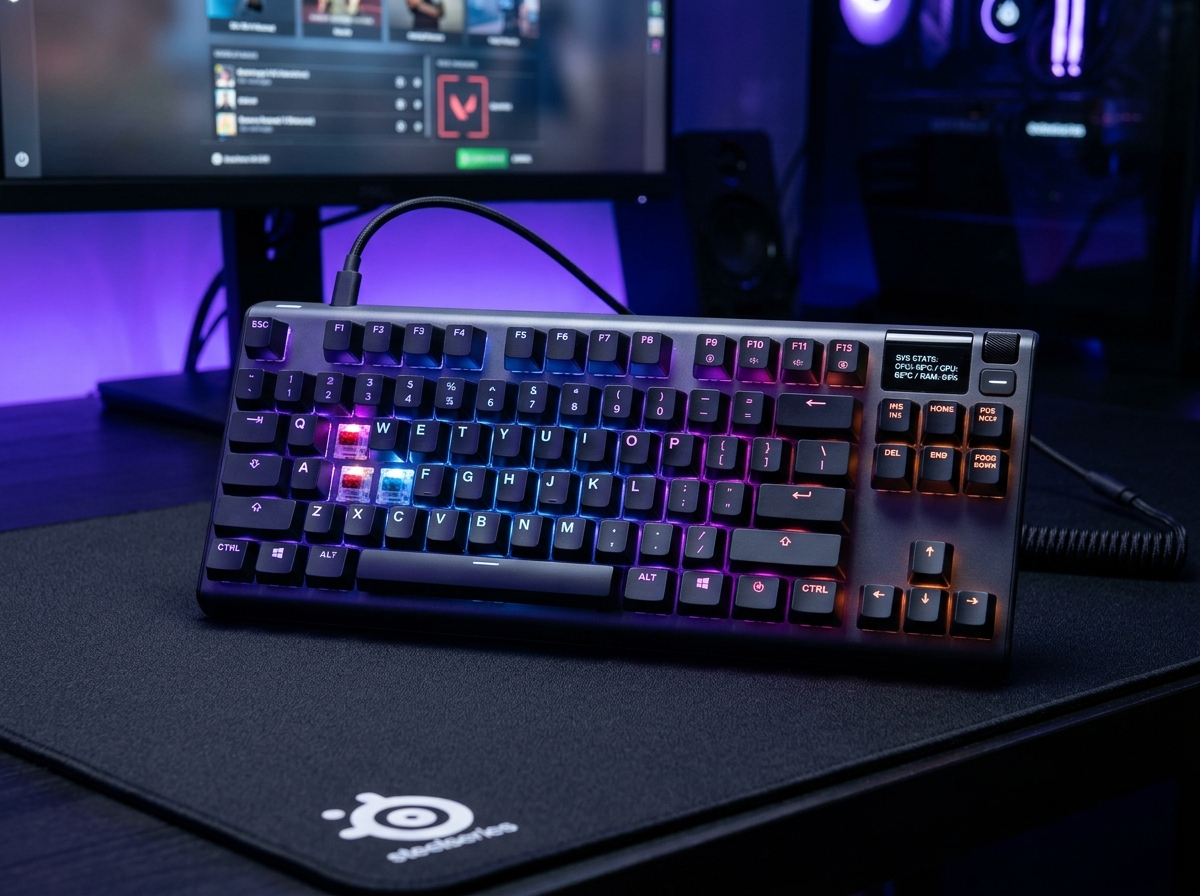
SteelSeries Apex Pro TKL Gen 3 Gaming Keyboard
Upgraded with whisper-quiet triple-layer acoustic foam, factory-lubricated stabilizers, lightning-fast OmniPoint 3.0 Hall Effect switches with 0.1mm adjustable sensitivity, and instant Rapid Tap (SOCD) counter-strafing, the SteelSeries Apex Pro TKL Gen 3 stands as the most lethal competitive keyboard on the market.
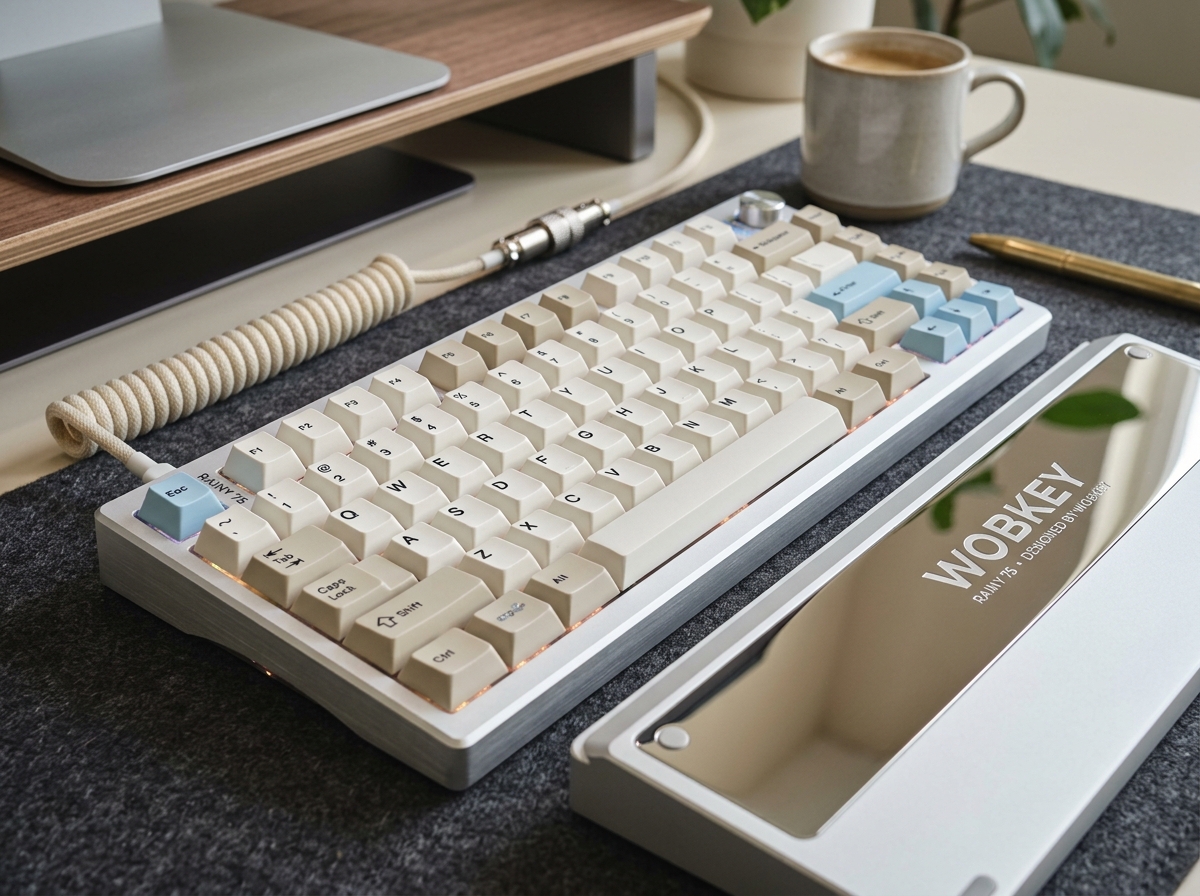
WOBKEY Rainy 75 CNC Aluminum Wireless Mechanical Keyboard
Constructed from a solid block of CNC-machined 6063 aluminum with a heavy mirrored back weight, ultra-smooth factory-lubed HMX Violet linear switches, and a multi-layer acoustic gasket assembly, the $139.99 WOBKEY Rainy 75 delivers the sound and feel of a $400 custom enthusiast keyboard straight out of the box.
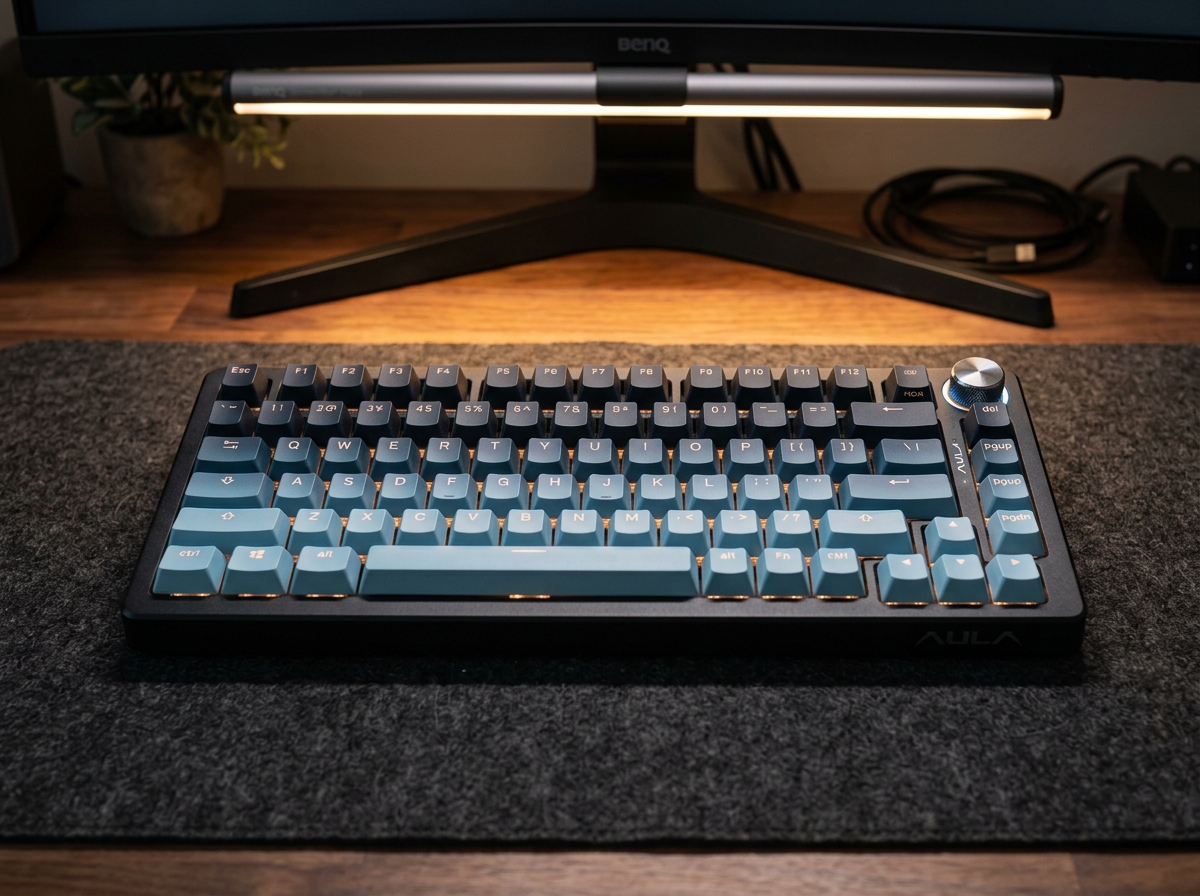
AULA F75 Pro 75% Wireless Gasket Mechanical Keyboard
The AULA F75 Pro is the single most disruptive mechanical keyboard of the decade. By stuffing a leaf-spring gasket mount, single-key flex-cut PCB, five layers of IXPE/PET/PORON acoustic dampening, and butter-smooth pre-lubed linear switches into a $69.99 package, it delivers the addictive 'creamy marble thock' that used to require $250 and four hours of hand-lubing.
SpecOfTheDevil is a participant in the Amazon Services LLC Associates Program. Clicking links may earn an affiliate commission at no extra cost to you.