Logitech ERGO M575S Review: Instant Wrist Pain & Carpal Tunnel Relief in an Affordable Trackball
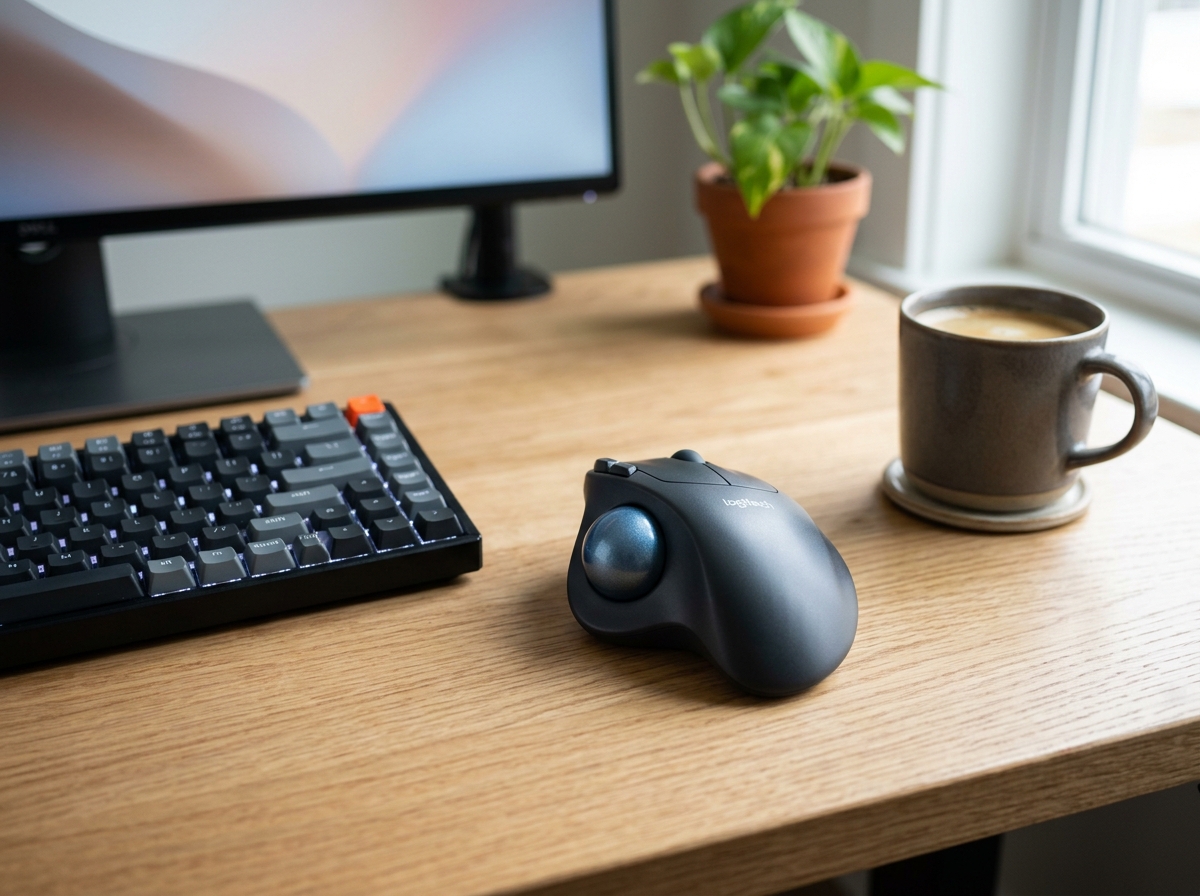
* Product image is a representative illustration for editorial identification. Official imagery is subject to manufacturer copyright.
Logitech ERGO M575S Wireless Bluetooth Trackball Mouse
"The Logitech ERGO M575S is the simplest, most cost-effective remedy for repetitive strain injury (RSI) and wrist fatigue, combining an effortless thumb trackball with a sculpted ergonomic palm rest that requires zero arm movement."
The Good (Pros)
- Eliminates wrist twisting and forearm movement by isolating cursor control to smooth thumb rotation
- Sculpted ergonomic contour keeps hand, palm, and fingers in a relaxed natural resting angle
- Stationary footprint requires zero mousepad space, making it perfect for cramped desks, coffee shops, or lap use
- Astounding battery endurance providing up to 2 years of daily work on a single standard AA battery
The Bad (Cons)
- Requires a 2 to 3-day muscle memory adjustment period for users accustomed to traditional slide mice
- Not designed for left-handed users (dedicated right-handed ergonomic contour)
If you spend eight to ten hours a day typing and sliding a traditional mouse across a mousepad, you are likely all too familiar with the creeping aches of carpal tunnel syndrome, forearm tension, or sharp wrist stiffness. Conventional mice force your forearm into an unnatural pronated twist while demanding constant repetitive arm swings.
The Logitech ERGO M575S Wireless Trackball Mouse was developed to cure that exact strain. Rather than physically dragging a mouse across a surface, your palm rests completely relaxed on a sculpted ergonomic chassis while your thumb effortlessly glides a high-precision optical ball.
1. Ergonomic Relief: Why Your Wrist Stops Hurting
The primary reason to switch to the M575S is immediate physical relief:
- Zero Arm and Wrist Movement: Because the mouse stays completely anchored in one spot, your wrist joints remain completely neutral. There is no dragging, swiping, or lifting.
- Natural Palm Angling: The body is angled gently to the side, allowing your fingers and palm to rest in an open, relaxed posture rather than being flattened flat against the desk surface.
- Immediate Tension Reduction: Within just a few days of switching, users dealing with tendinitis, tennis elbow, or RSI report an almost immediate reduction in end-of-day forearm soreness.
2. Thumb-Ball Precision & Learning Curve
A common fear among newcomers is: “Will I be able to click accurately with just my thumb?”
In testing, the learning curve is surprisingly brief. Most users reach 90% proficiency within two hours and full muscle memory mastery within three days:
- Smooth Optical Bearings: The trackball glides effortlessly over internal low-friction ceramic bearings, offering buttery-smooth tracking across spreadsheets, code editors, and photo editing canvas.
- Adjustable DPI (400–2000): Through the free Logi Options+ app, you can fine-tune cursor sensitivity to match multi-monitor setups or pixel-precise selections.
- Easy Maintenance: When dust accumulates, you can pop the ball out from the bottom opening with the back of a pen, wipe it clean in five seconds, and pop it right back in.
3. Dual Wireless Connectivity & 2-Year Battery
Logitech engineered the M575S for bulletproof everyday reliability:
- Bluetooth Low Energy + Logi Bolt USB: Seamlessly connect directly via Bluetooth to laptops, MacBooks, or iPads, or plug in the included high-security Logi Bolt USB receiver for rock-solid desktop stability.
- Up to 24 Months of Battery Life: Powered by a single, universally available AA battery (included in the box), the M575S runs for up to two years without needing a swap. You never have to worry about an internal rechargeable battery dying midday.
Any Drawbacks?
While the M575S is an ergonomic masterpiece for daily office and creative productivity, it is not optimized for high-speed Twitch FPS competitive gaming where rapid flick shots are required. Furthermore, the asymmetric contoured shell is exclusively molded for right-handed use.
Final Verdict: Should You Buy the Logitech ERGO M575S?
At under $50, the Logitech ERGO M575S is one of the most accessible ergonomic upgrades you can make for your workspace. If you suffer from wrist aches or want to prevent long-term joint strain before it begins, this trackball is an indispensable productivity tool.
Logitech ERGO M575S Wireless Bluetooth Trackball Mouse Key Specs
| Sensor & Tracking | Logitech Advanced Optical Tracking (400 - 2000 DPI) |
|---|---|
| Connectivity | Bluetooth Low Energy + Logi Bolt USB Receiver |
| Battery Life | Up to 24 months with included AA battery |
| Buttons | 5 buttons (Left/Right-click, Back/Forward, Scroll-wheel with middle click) |
| Dimensions & Weight | 134 x 100 x 48 mm / 145 g |
| Compatibility | Windows, macOS, iPadOS, ChromeOS, Linux |
Ready to upgrade your gear?
Check current stock, verified customer ratings, and fast Prime delivery.
Related & Alternative Gear
Compare with other top-rated products in Gaming & PC before you decide.
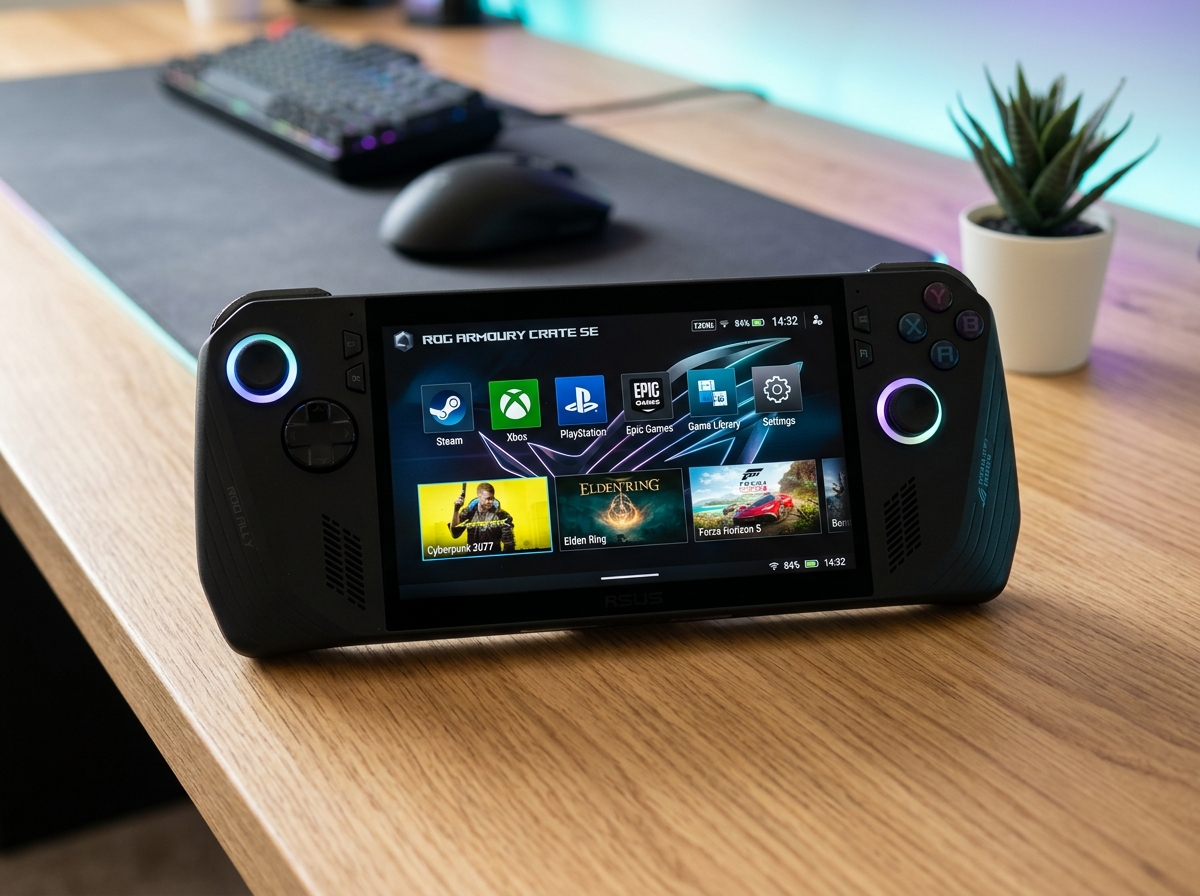
ASUS ROG Ally X Handheld Gaming PC
The ASUS ROG Ally X fixes every single limitation of its predecessor by doubling the battery capacity to an enormous 80Wh, expanding system memory to 24GB RAM, and refining controller ergonomics into the most complete Windows handheld console ever created.
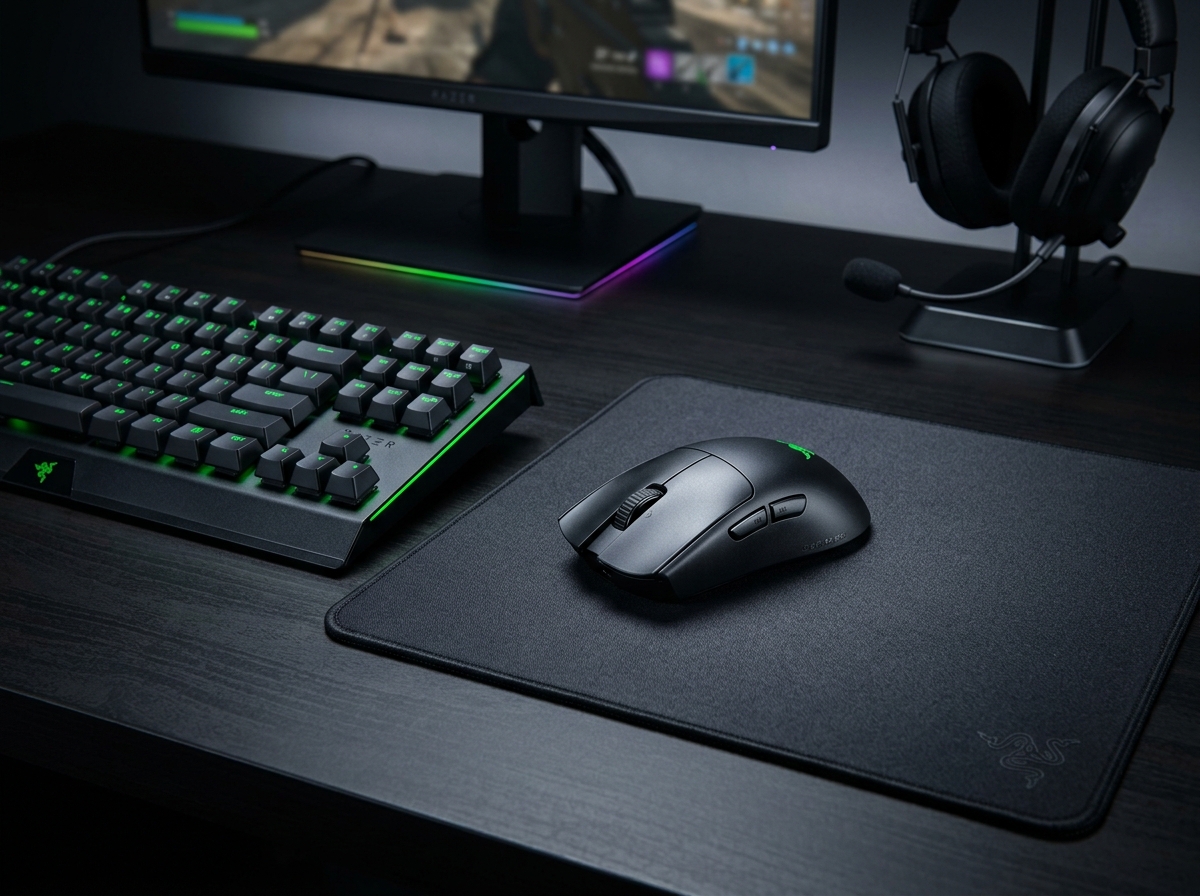
Razer Viper V3 Pro Wireless Esports Gaming Mouse
The Razer Viper V3 Pro refines the lightweight wireless mouse to near-perfection, combining an astonishing 54g solid shell with the ultra-accurate Focus Pro 35K Gen-2 sensor and true 8000Hz wireless polling for competitive FPS gamers.

Apple MacBook Pro 16-inch Laptop (M4 Pro)
The 16-inch M4 Pro MacBook Pro offers desktop-level video rendering and coding power with unbelievable 20+ hour battery life, making it the premier mobile workstation.
SpecOfTheDevil is a participant in the Amazon Services LLC Associates Program. Clicking links may earn an affiliate commission at no extra cost to you.