Elgato Stream Deck MK.2 Review: 15 LCD Keys to Automate Streaming & Productivity
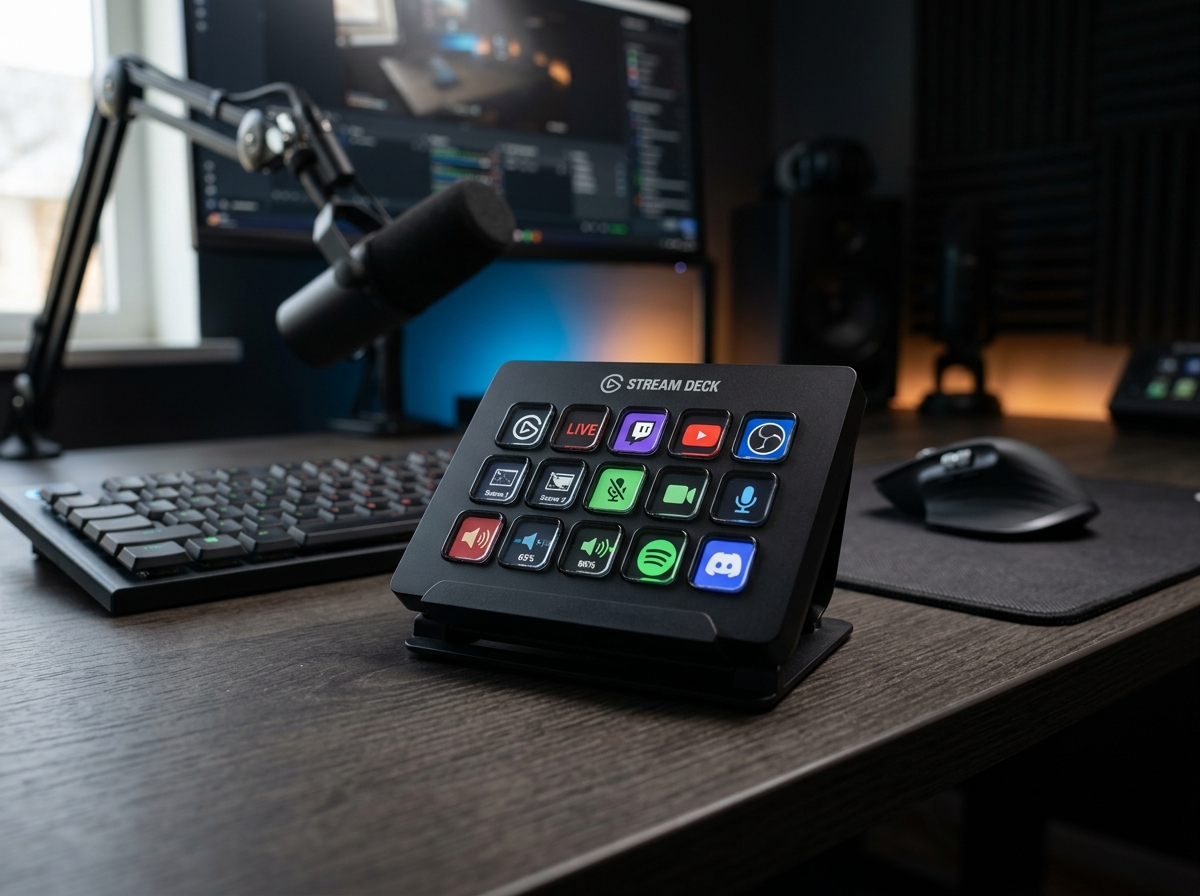
* Product image is a representative illustration for editorial identification. Official imagery is subject to manufacturer copyright.
Elgato Stream Deck MK.2
"An essential desktop companion that turns complex keyboard macros and multi-app tasks into simple one-touch tactile buttons."
The Good (Pros)
- 15 bright, fully customizable LCD keys give instantaneous visual feedback
- Massive plugin ecosystem makes controlling audio, lighting, and streaming tools effortless
- Detachable USB-C cable and 45-degree angled stand improve desk ergonomics
- Multi-Action feature lets you trigger entire chains of commands with a single tap
The Bad (Cons)
- Software setup and icon design take a little initial time and experimentation
- Pricier than a generic numeric keypad or basic macro keyboard
Fumbling through dozens of open desktop windows, typing repetitive complex keyboard shortcuts, and struggling to manage Zoom audio during work calls drains productivity. The Elgato Stream Deck MK.2 puts 15 customizable LCD tactile keys at your fingertips, letting you automate workflows with a single tap.
1. What It Does Best (Key Strengths & Comparison)
- Market Comparison & Alternatives: Far beyond video game streaming, creative professionals use the Stream Deck MK.2 to automate complex multi-key Photoshop macros, mute Zoom calls with one button, and control smart studio lights.
- Instant Visual Tactile Feedback: Each of the 15 physical keys contains a vivid color LCD screen (tiny digital displays built directly beneath transparent buttons) that lights up with custom icons, animated GIFs, or live viewer counts so you always know what each button does before pressing it.
- Powerful Multi-Action Macros: A single key press can launch your streaming software, switch lighting scenes, open Discord, and post a tweet simultaneously, eliminating repetitive multi-step mouse clicks.
- Rich Plugin Ecosystem: Through the Stream Deck Store, you can freely download official integrations for Twitch, OBS Studio, Philips Hue smart bulbs, Spotify, and creative apps without writing any complex code.
2. Real-World Quirks & Trade-offs (What to Watch Out For)
- Initial Setup Investment: While the drag-and-drop companion software is user-friendly, organizing your favorite folders, custom icons, and hotkeys takes an hour or two of hands-on tweaking to dial in your preferred layout.
- Fixed 15-Key Hardware Size: Power creators who manage dozens of complex audio sources and camera angles may eventually need to organize nested sub-folders or look at larger models like the 32-key Stream Deck XL.
3. Daily Usability & Battery Life (Everyday Experience)
- Comfortable Desk Ergonomics: The weighted 45-degree fixed-angle stand keeps the buttons firmly planted on your desk without sliding during rapid button mashing, and the detachable angled USB-C cable makes routing clean and straightforward.
- Versatile Productivity Beyond Streaming: Office workers and video editors frequently use the deck for mute shortcuts in Zoom, hotkeys in Premiere Pro, opening daily website bookmarks, and controlling desktop smart lights in one click.
Final Verdict: Who Is This For?
- Buy it if: You are a content streamer, podcast host, video editor, or remote professional who wants to automate daily shortcuts and control apps with satisfying, dedicated tactile buttons. Whether you stream, edit videos, or manage busy office calls, saving hundreds of repetitive clicks every day makes this macro deck an indispensable desk tool.
- Skip it if: You only do casual web browsing and word processing where standard keyboard shortcuts already meet all your daily needs.
Elgato Stream Deck MK.2 Key Specs
| Keys | 15 customizable LCD keys with dynamic visual icons |
|---|---|
| Interface | USB 2.0 via detachable USB-C to USB-A braided cable |
| Dimensions | 118 x 84 x 25 mm (4.6 x 3.3 x 1.0 inches) |
| Weight | 145 g (5.1 oz) without stand / 270 g (9.5 oz) with stand |
| Compatibility | macOS 10.15 or later / Windows 10 (64-bit) or later |
| Faceplate | Interchangeable front faceplate design |
| Software Support | OBS Studio, Twitch, YouTube, Spotify, Discord, Zoom, Photoshop, and more |
Ready to upgrade your gear?
Check current stock, verified customer ratings, and fast Prime delivery.
Related & Alternative Gear
Compare with other top-rated products in Gaming & PC before you decide.
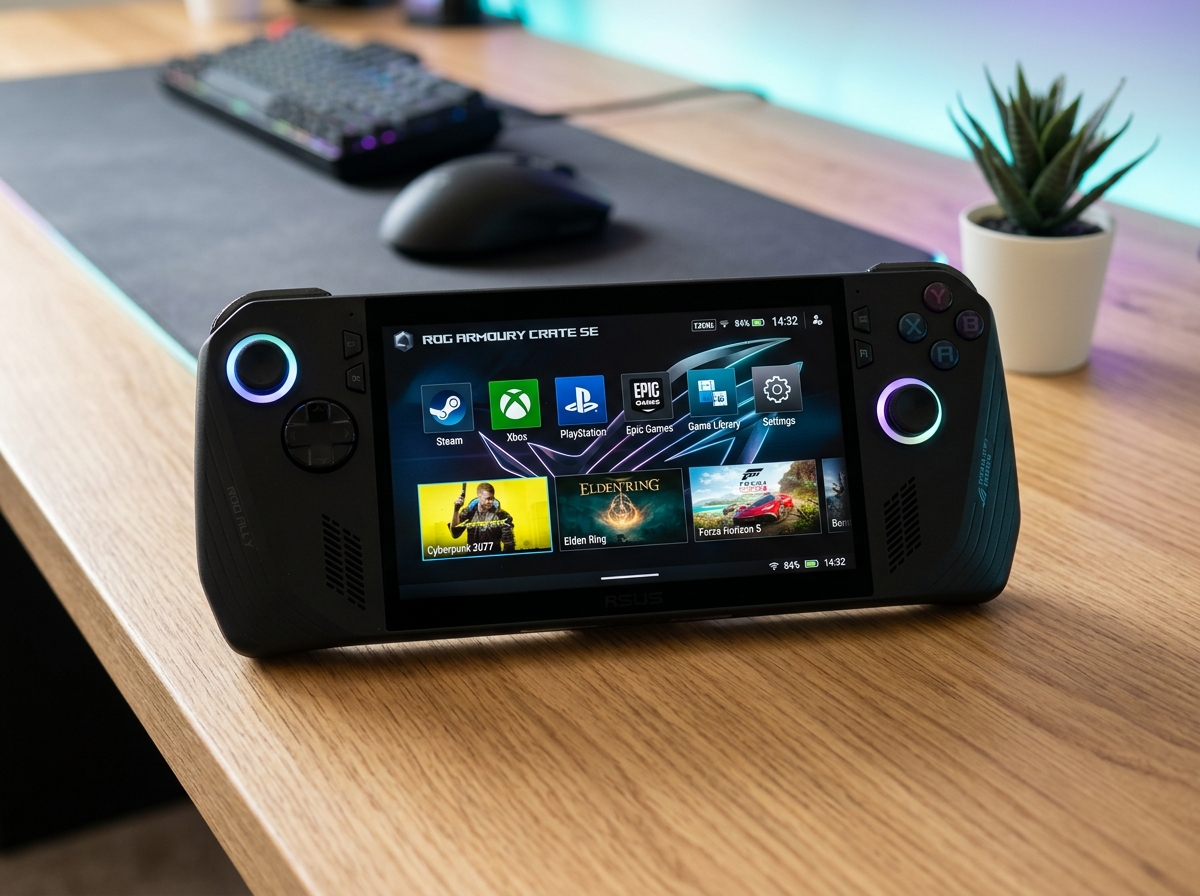
ASUS ROG Ally X Handheld Gaming PC
The ASUS ROG Ally X fixes every single limitation of its predecessor by doubling the battery capacity to an enormous 80Wh, expanding system memory to 24GB RAM, and refining controller ergonomics into the most complete Windows handheld console ever created.
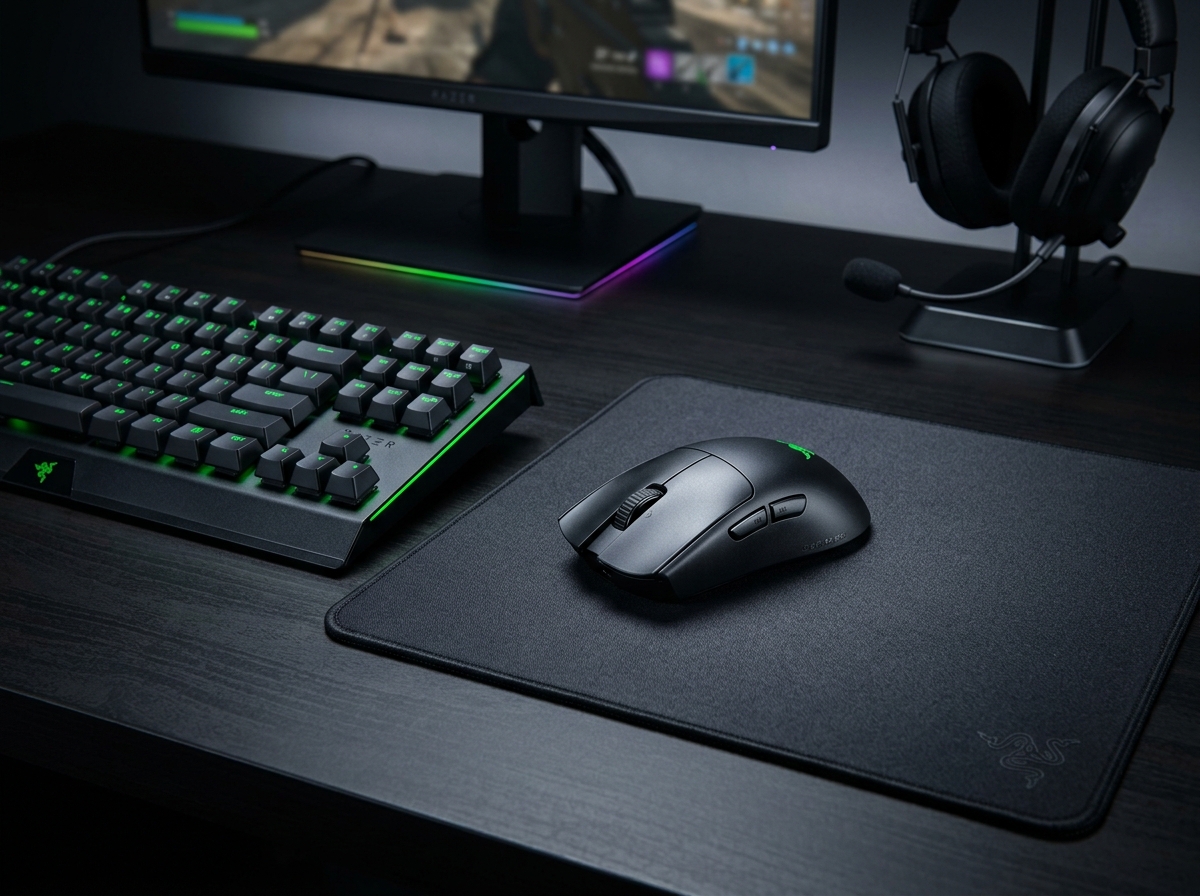
Razer Viper V3 Pro Wireless Esports Gaming Mouse
The Razer Viper V3 Pro refines the lightweight wireless mouse to near-perfection, combining an astonishing 54g solid shell with the ultra-accurate Focus Pro 35K Gen-2 sensor and true 8000Hz wireless polling for competitive FPS gamers.
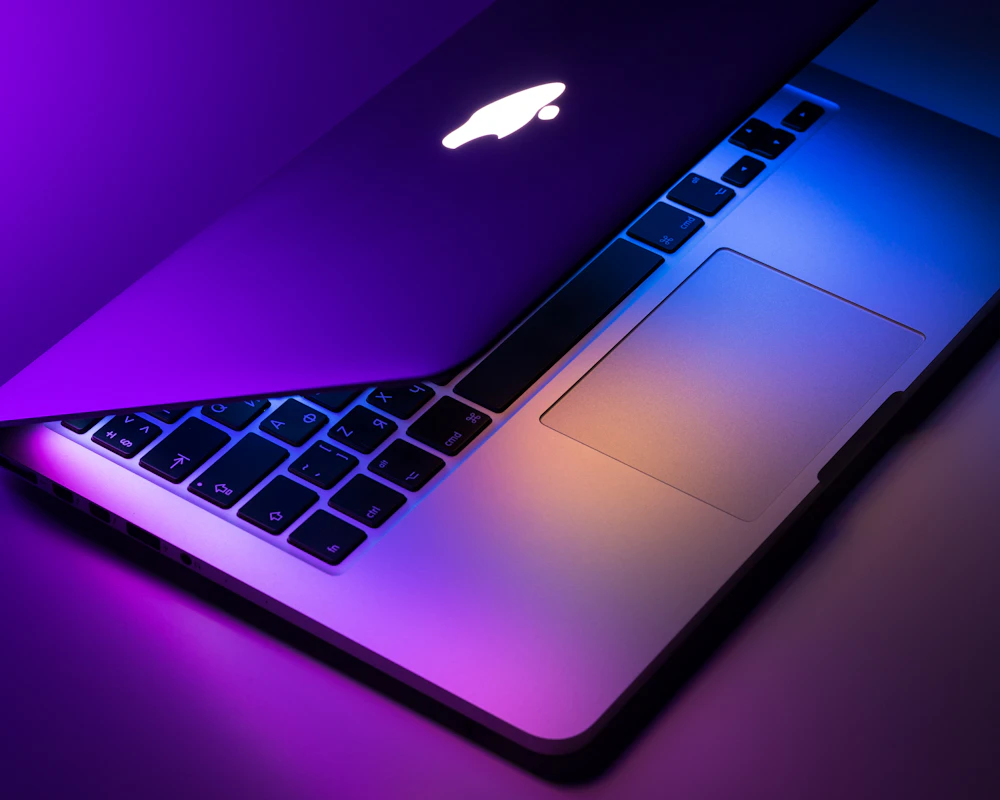
Apple MacBook Pro 16-inch Laptop (M4 Pro)
The 16-inch M4 Pro MacBook Pro offers desktop-level video rendering and coding power with unbelievable 20+ hour battery life, making it the premier mobile workstation.
SpecOfTheDevil is a participant in the Amazon Services LLC Associates Program. Clicking links may earn an affiliate commission at no extra cost to you.